Wi-Fi connection and internet
access are not always the same
thing.
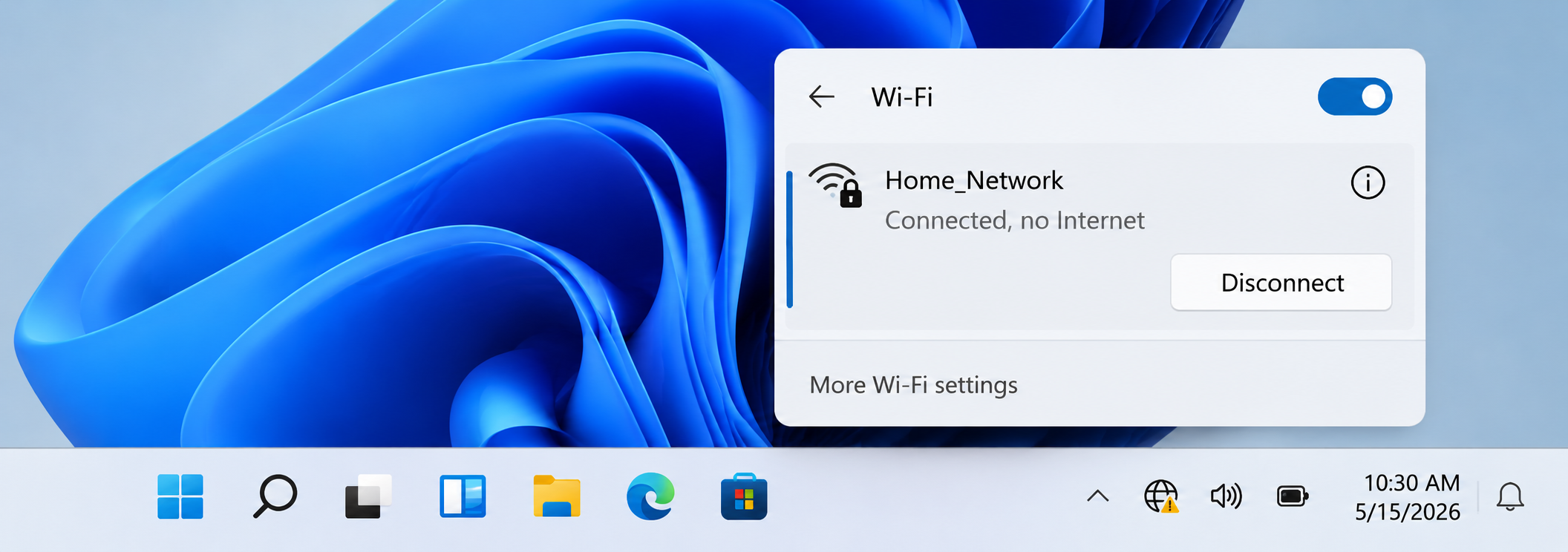
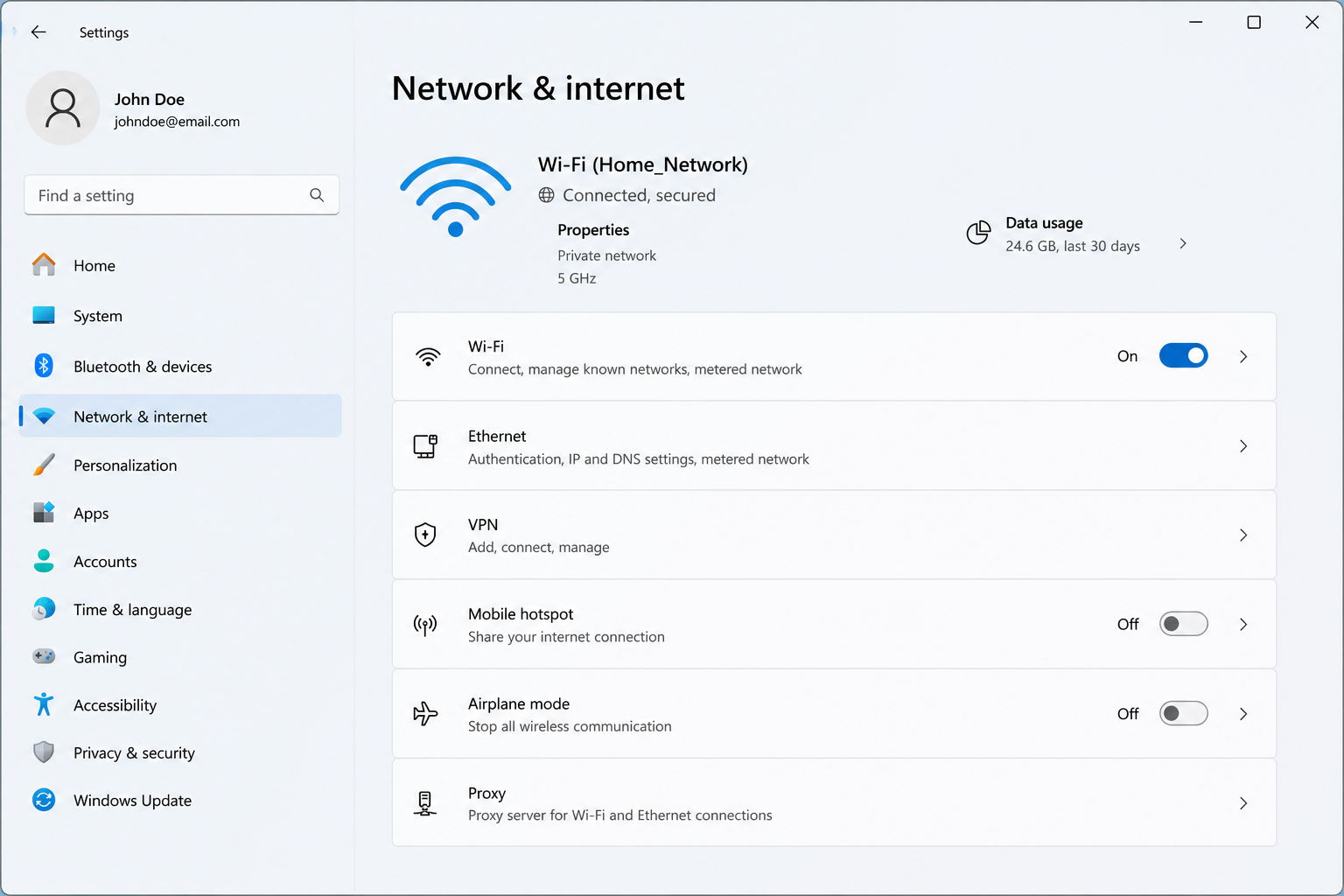
Wi-Fi usually means the wireless connection between a device and a router. Internet access depends on whether the router or modem is connected to the internet provider. This is why a device can show “connected” but still display “no internet.”
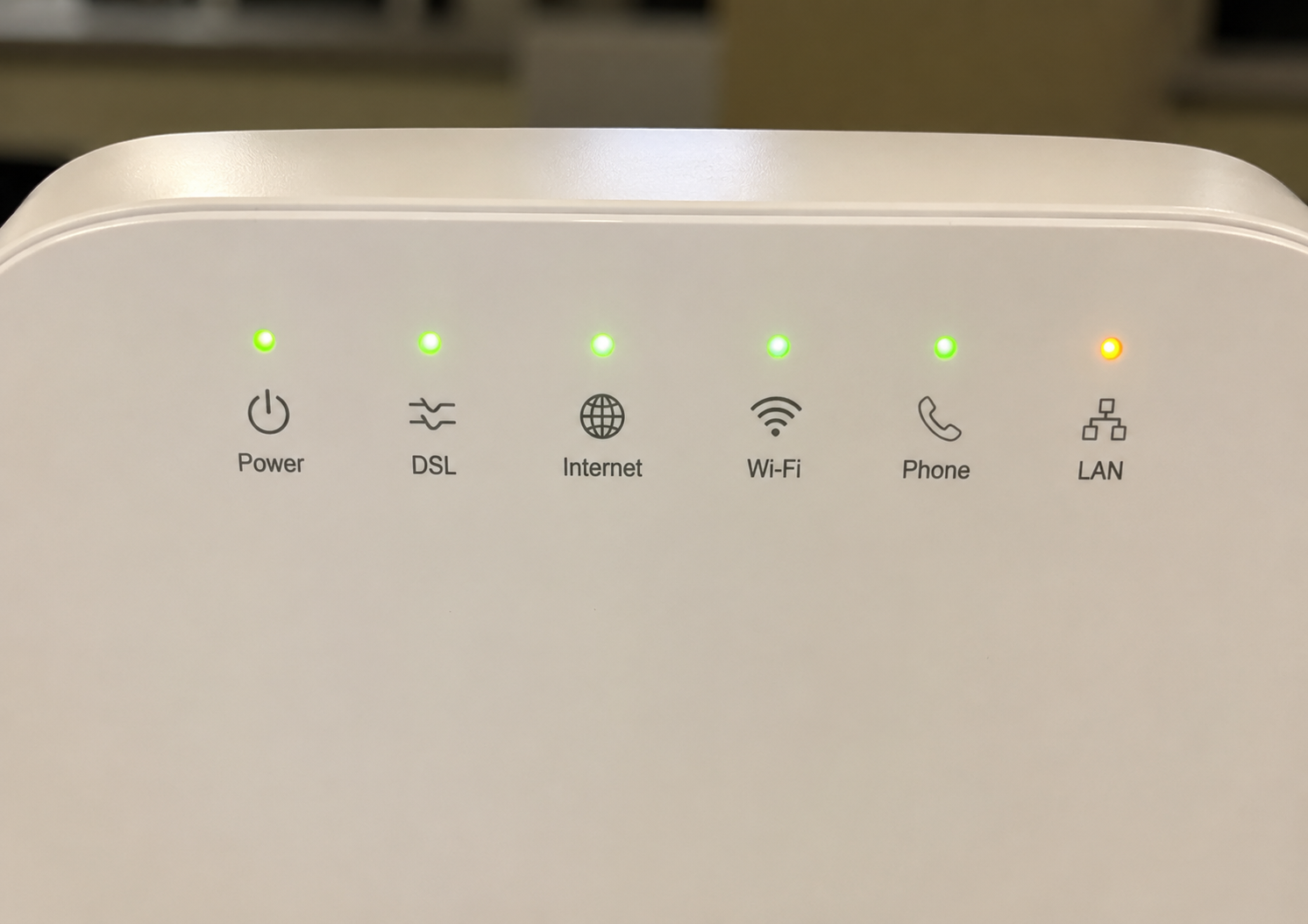
Router lights normally show power, internet/WAN status, Wi-Fi broadcast, Ethernet activity, and device communication. The exact meaning of each light depends on the router model, so official router documentation should be checked for product-specific details.
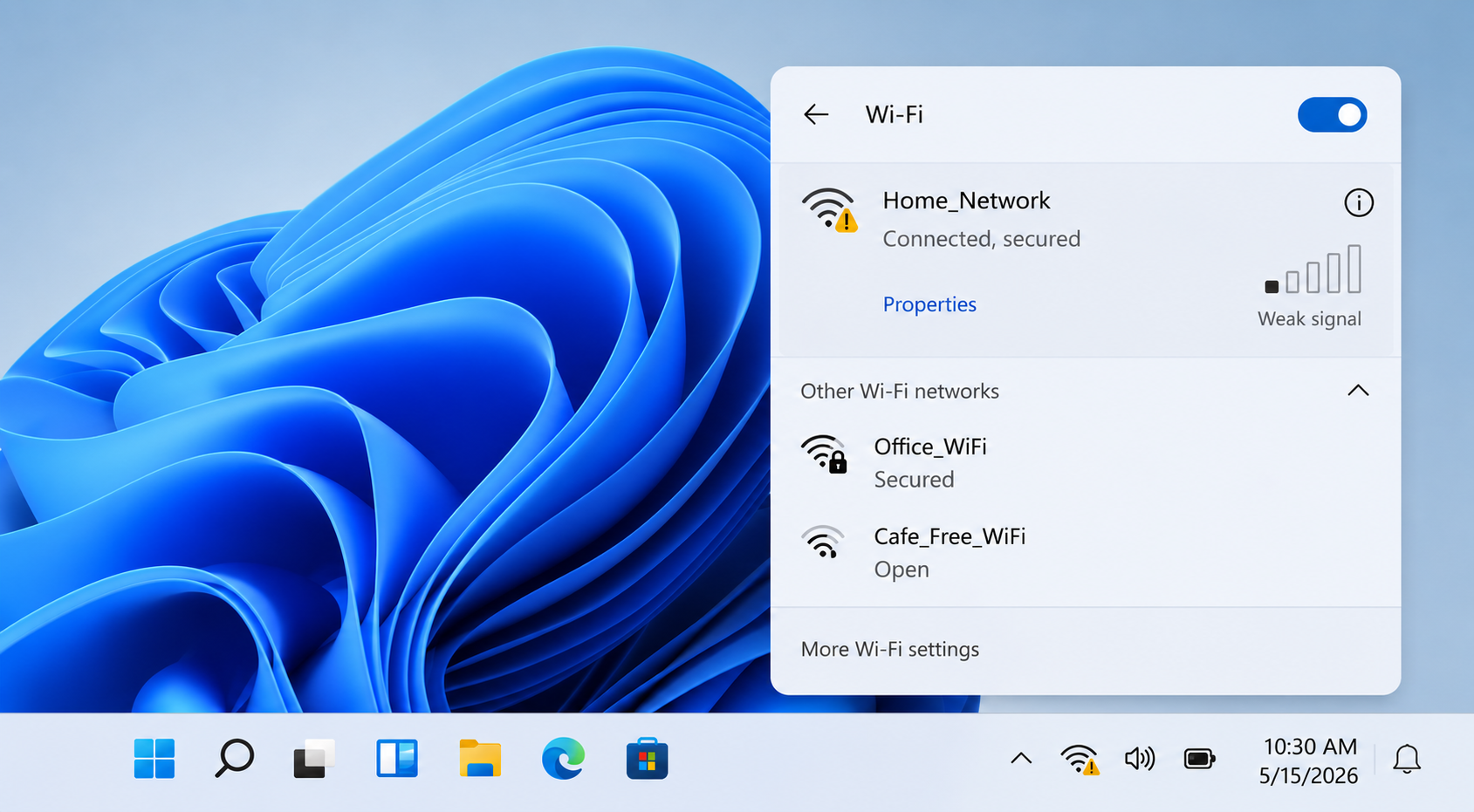
Signal strength can change because of distance, walls, floors, router placement, interference, and the number of connected devices. A device close to the router may behave differently from one in another room.
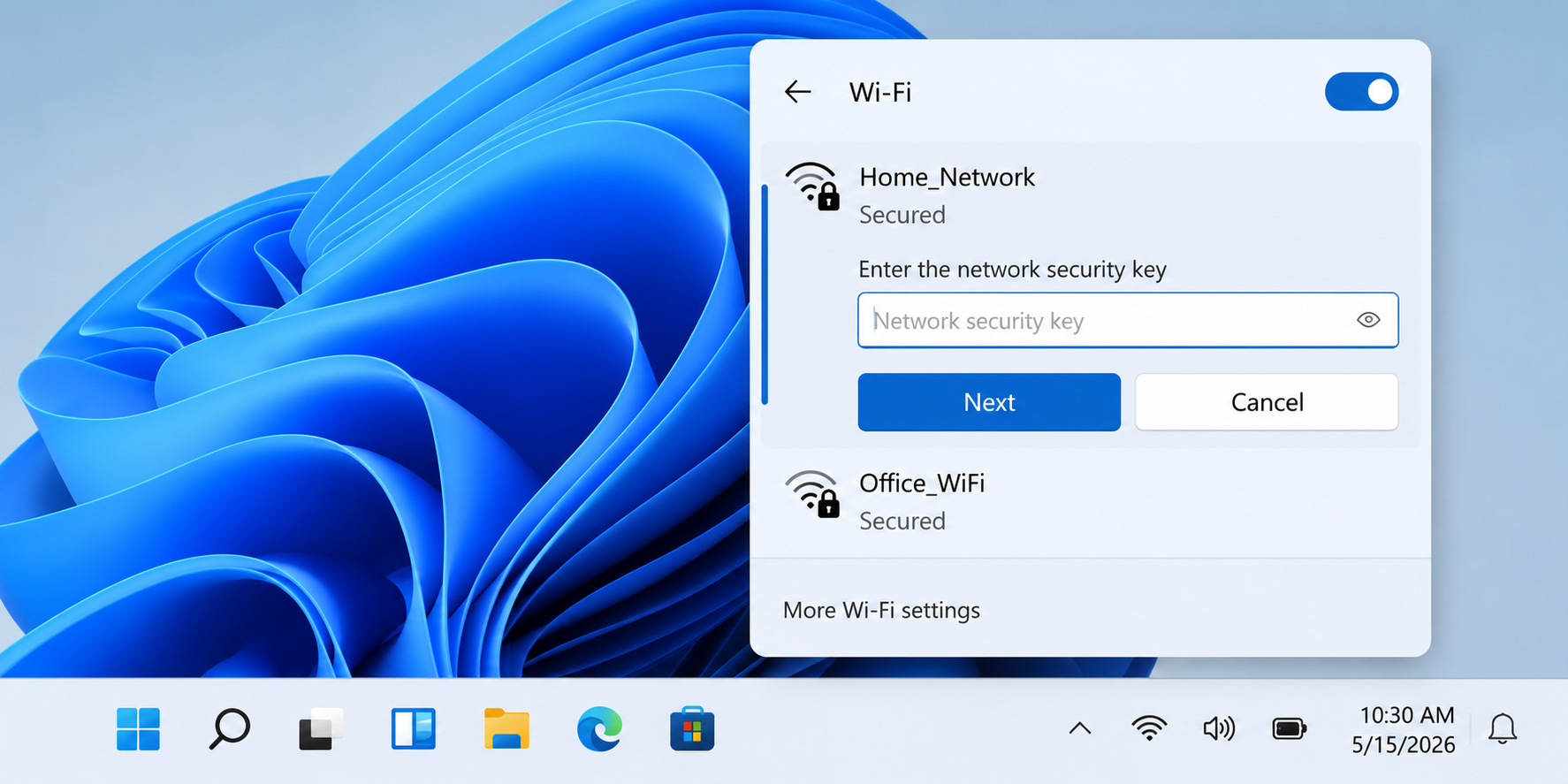
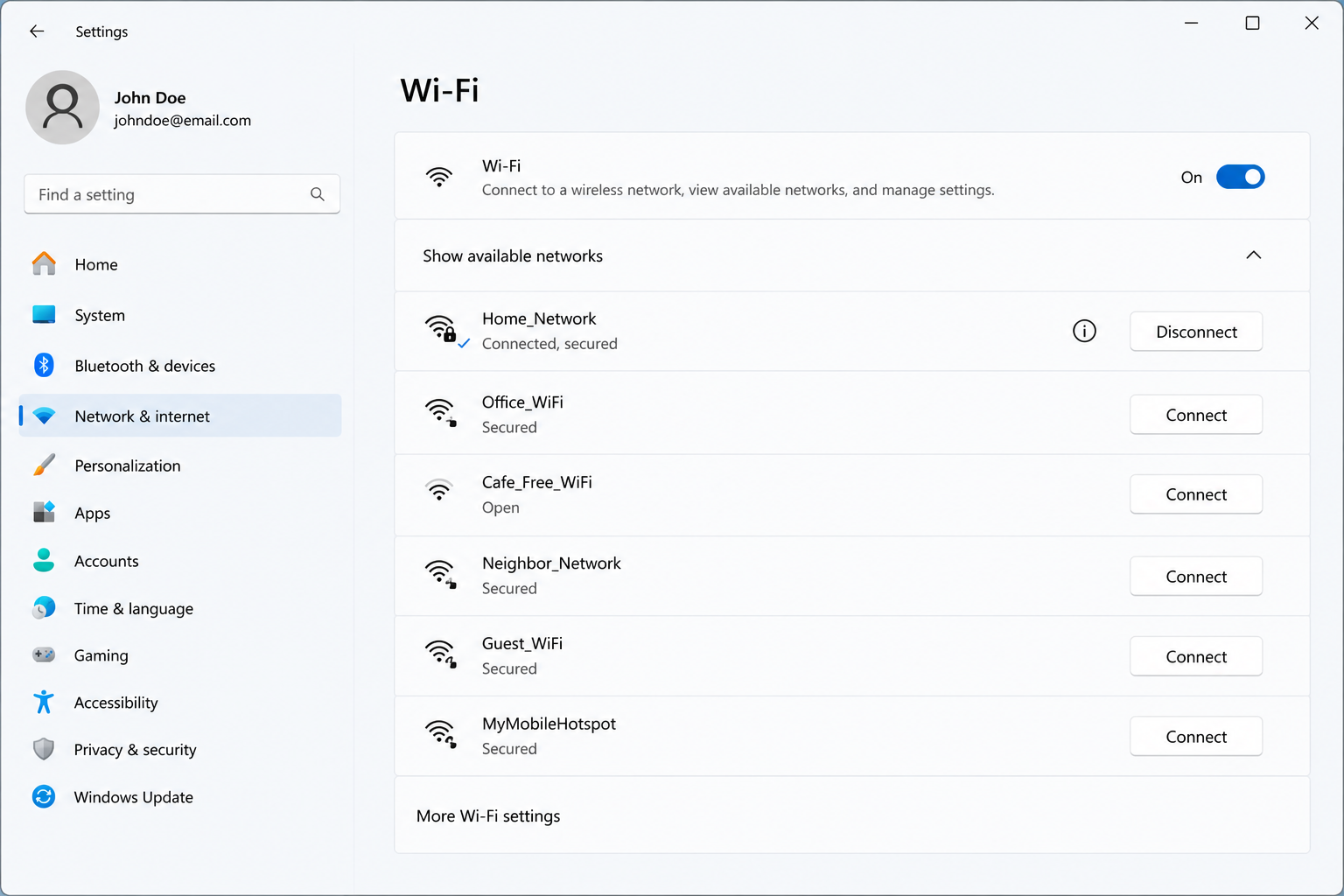
Network names are commonly called SSIDs. The SSID is the Wi-Fi name shown in the network list. Passwords, encryption type, saved network settings, and adapter status can affect whether a device connects successfully.
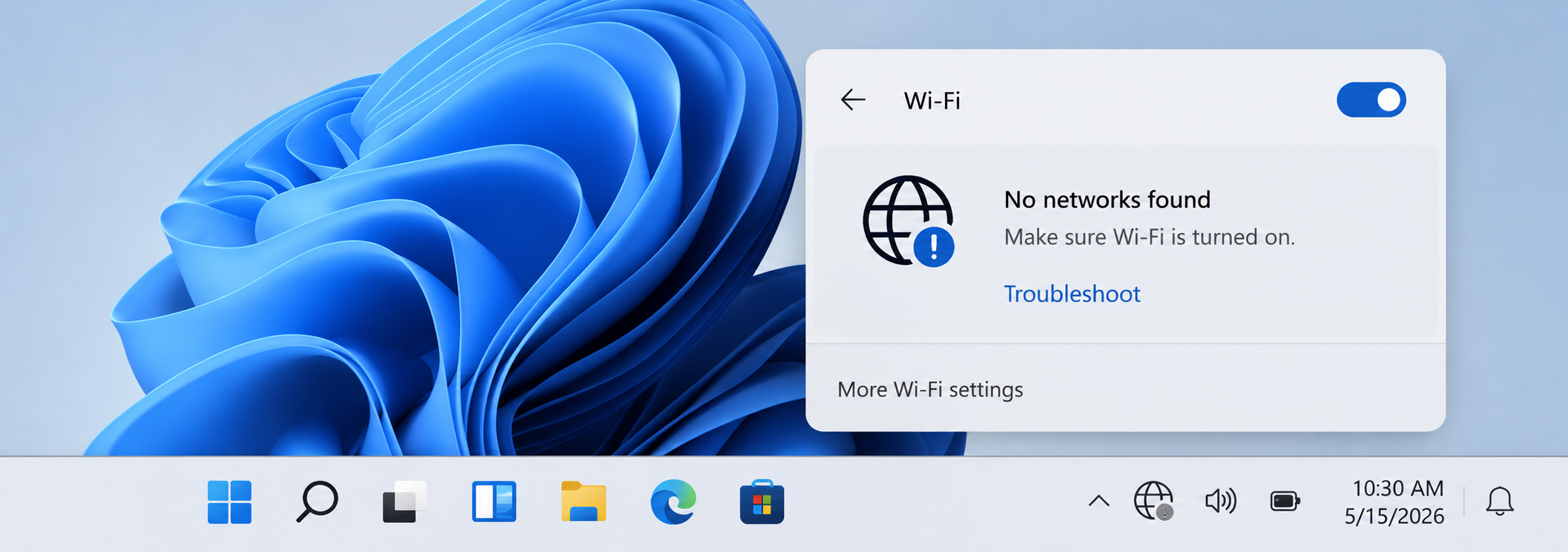
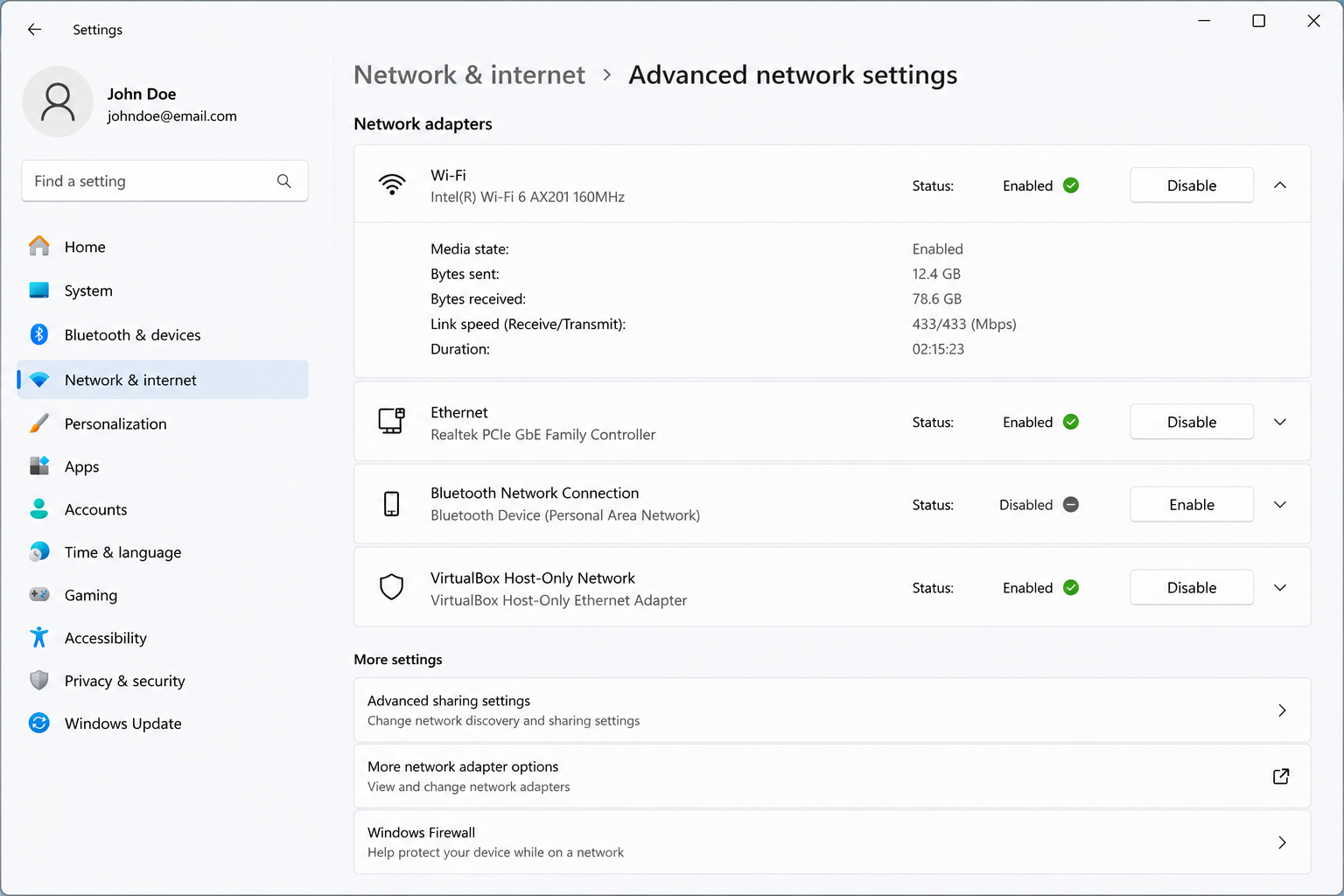
A wireless adapter is the hardware inside the computer that connects to Wi-Fi. If the adapter is disabled, missing, or not responding, nearby networks may not appear even when the router is working.